build an affordable website
Small-business website costs: a complete four-part worksheet
A practical worksheet for adding setup, domain, platform, maintenance, and operating time before choosing how to build a small-business website.
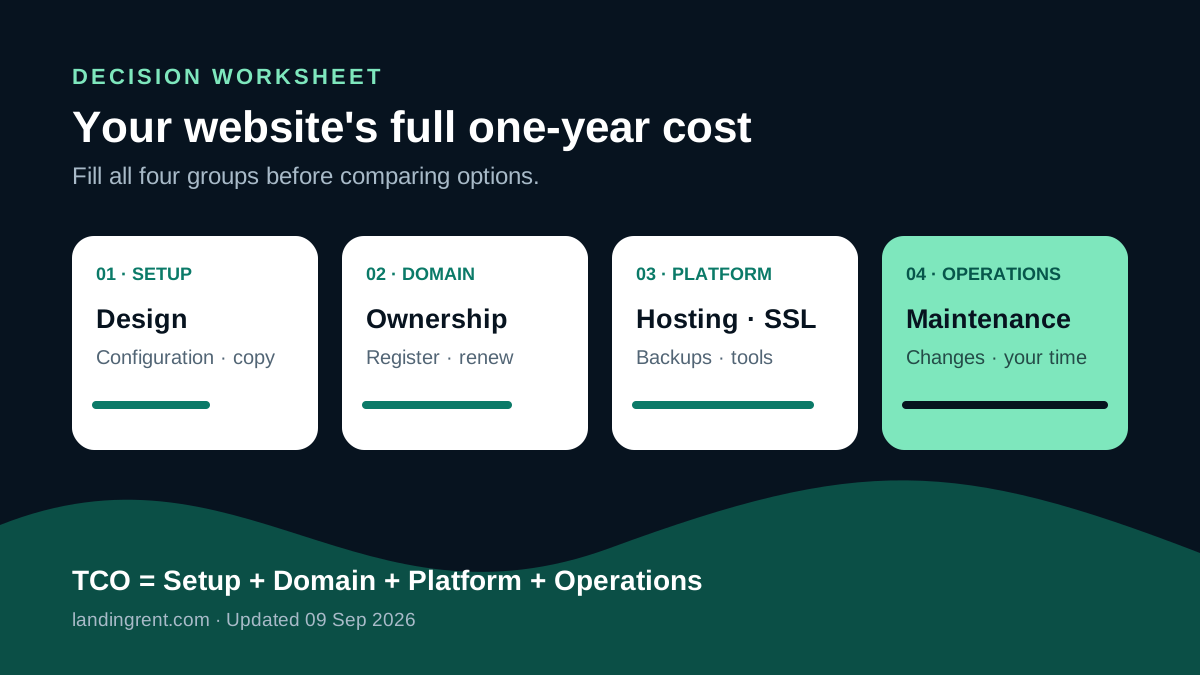
Look beyond the setup quote
A low setup quote does not necessarily produce a low total cost. Compare four groups: setup work, domain and platform, technical maintenance, and the time required to operate the content. The last group is often omitted even though a business owner pays for it with hours every month.
Your 12-month worksheet
| Cost group | Question to answer |
|---|---|
| Setup | Who designs, enters content, and checks the mobile experience? |
| Platform | Are hosting, SSL, backups, and software fees included? |
| Maintenance | Who fixes errors, applies security updates, and restores data? |
| Operations | How many hours are needed to change prices, photos, and services? |
Enter a real number for every row for the first year. For a do-it-yourself option, do not value your time at zero; multiply expected hours by the value of one working hour. For a custom agency, ask about post-launch fees and responsibility when the website stops working.
When is an affordable option genuinely suitable?
A sensible solution meets today's needs without creating hidden costs. If the business needs a service overview, enquiry collection, and simple content editing, a ready-made template is often more efficient than custom development. Complex ordering or internal integrations need a written scope before prices can be compared.
Use this worksheet alongside our affordable website guide, then open a real demo in the template library. Test it on a phone, confirm domain ownership, and decide only after the full 12-month cost is visible.